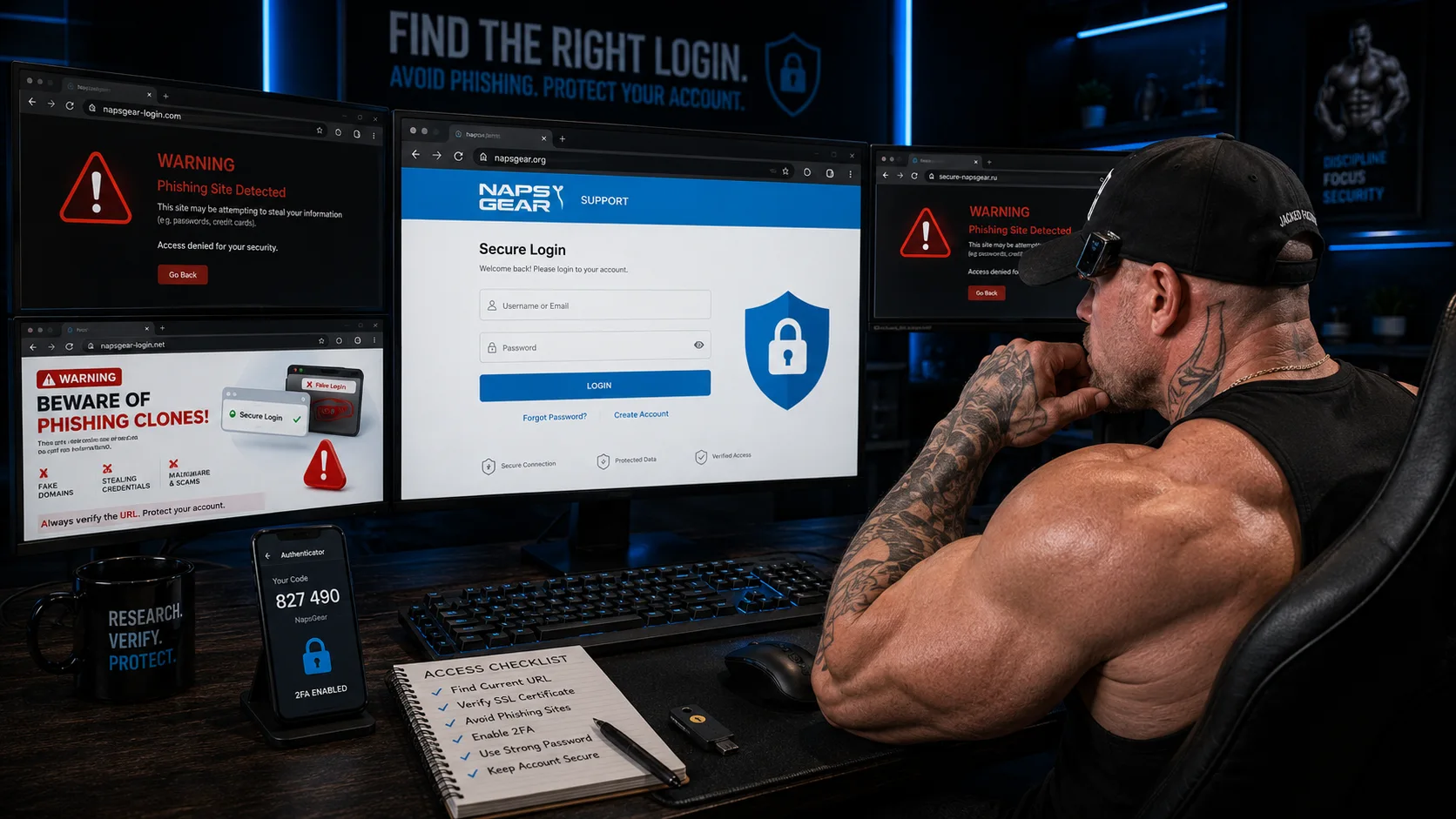
NapsGear Login: Current URL, Access Issues and How to Get In
Locating the correct NapsGear login page is a common frustration due to multiple URL changes and phishing sites. This article addresses these access issues.
Getting Into Your Account Without the Guesswork
Finding the correct NapsGear login page is one of the most common frustrations for both new and returning users. The platform has changed URLs multiple times over the years, old bookmarks stop working, and phishing sites mimicking the real login page create confusion. This guide covers how to access NapsGear reliably, what to do when the login page is down, and how to protect your account.
Why Is Finding the NapsGear Login Confusing?
NapsGear has operated under multiple domain names throughout its history. Each domain change means previously working login URLs become dead links. Users who bookmarked the login page a year ago may find it no longer resolves — leading to the assumption that NapsGear shut down when in reality only the URL changed. When this happens, users start searching for the NapsGear new site address — and that search is exactly where phishing pages wait for them.
Common reasons users cannot find the login
- 1Domain changed since last visit — the old URL redirects nowhere
- 2Browser cached the old URL — even typing the address loads a dead page
- 3ISP-level blocking — some internet providers block pharmaceutical platform domains
- 4Phishing sites rank above the real site in search results
- 5Regional restrictions — access may vary by country or network
The most common mistake: googling "napsgear login" and clicking the first result. Phishing sites and fake login pages deliberately target these search terms to steal credentials. Never enter your username and password on any page without verifying the URL through trusted community sources first.
How to Find the Current NapsGear URL
Since the URL can change, static links in articles become outdated. The most reliable way to find the NapsGear new site and its current login page is through community verification.
Trusted verification sources
- 1Reddit threads in r/steroids or r/workout — search "napsgear" sorted by recent
- 2EliteFitness forum threads discussing active orders
- 3MESO-Rx community discussions
- 4NapsGear Telegram channel — often the fastest source for URL updates
- 5Trusted bodybuilding Discord servers with verified member discussions
Verification process
- 1Check at least two independent community sources for the current URL
- 2Confirm that the URL matches across multiple sources — if different sources show different URLs, investigate further before logging in
- 3Look for recent order confirmations or delivery reports from users using that URL — active orders confirm the URL is the real platform
- 4Bookmark the verified URL immediately after confirmation
What to Do When the Login Page Is Down
NapsGear login issues fall into several categories, each with a different solution:
Domain change
"Site cannot be reached" or blank page
Find new URL through community sources
ISP block
Works on mobile data but not WiFi
Change DNS to 1.1.1.1 or 8.8.8.8, or use VPN
Server outage
Page loads partially or times out
Wait 24-48 hours, check community for confirmation
Browser cache
Old version of page, login errors
Clear cache and cookies, try incognito mode
Regional block
Works in other countries
VPN to US or European server
Step-by-step troubleshooting
- 1Clear browser cache and cookies completely
- 2Try accessing in incognito or private browsing mode
- 3If still not working — switch to mobile data instead of WiFi to test ISP blocking
- 4If mobile data works — change your DNS settings to Cloudflare (1.1.1.1) or Google (8.8.8.8)
- 5If nothing works — check Reddit and forums for reports from other users experiencing the same issue
- 6If community confirms the site is down — wait. NapsGear typically resolves outages within 24-72 hours
Account Recovery After Domain Changes
When NapsGear changes domains, existing user accounts typically migrate to the new URL. However, the migration process is not always seamless.
What usually works
- 1Your existing username and password work on the new domain
- 2Order history and account balance carry over
- 3Saved addresses and payment preferences transfer
- 4Wishlist and cart contents may or may not survive the migration
What sometimes goes wrong
- 1Password does not work on new domain — use the password reset function with your registered email
- 2Account appears to not exist — this usually means the migration is still in progress, wait 24-48 hours and try again
- 3Order history missing — contact customer support through the new platform, they can typically link historical orders to your account
- 4Two-factor authentication issues — if enabled, 2FA tokens may need to be regenerated on the new domain
After any domain change, the first thing you should do is verify that your account details are intact: check order history, saved addresses, and account balance. If anything is missing, contact support immediately while the migration team is actively handling these issues.
How to Protect Your NapsGear Account
Account security on pharmaceutical platforms requires more attention than standard e-commerce accounts.
Essential security practices
- 1Use a unique password for NapsGear — never reuse a password from email, banking, or social media
- 2Create a dedicated email address for NapsGear — separate from personal and work email
- 3Enable two-factor authentication if the platform offers it
- 4Never share your login credentials with anyone — including people claiming to be NapsGear support
- 5Log out after each session rather than staying logged in
Phishing awareness
- 1NapsGear will never email you asking for your password
- 2NapsGear will never ask for payment outside the platform checkout system
- 3Any email claiming your account is suspended and requiring immediate login is likely phishing
- 4Verify all communications by logging in directly through the verified URL — never click links in emails
Create a dedicated email address specifically for NapsGear and similar platforms. This serves two purposes: if the platform's user database is ever compromised, your primary email is not exposed. And any phishing attempts sent to your primary email are immediately identifiable as fake because your account is not registered to that address.
Creating a New NapsGear Account
For first-time users who need to register:
Registration process based on community reports
- 1Navigate to the verified NapsGear URL (confirmed through community sources)
- 2Click the registration or sign-up button
- 3Provide a username, email address, and password
- 4Some users recommend using a username that does not contain personal identifying information
- 5Verify your email address through the confirmation link sent to your inbox
- 6Complete any additional profile information required by the platform
- 7Browse the product catalog before placing your first order — familiarize yourself with the layout
First-time buyer tips
- 1Start with a small order to test the process before committing to larger purchases
- 2Read the FAQ and ordering process guide on the platform before placing an order
- 3Payment is not instant — expect to receive payment instructions separately after submitting your order
- 4Domestic shipping is recommended for first orders — faster and lower risk than international
Common Login Error Messages and Solutions
Specific error messages and what they mean:
"Invalid username or password"
- 1Most common cause: typo in username or password
- 2Try password reset using your registered email
- 3Check if caps lock is on — passwords are case-sensitive
- 4If password reset email does not arrive — check spam folder
- 5If still not working after reset — account may not have migrated after a domain change, contact support
"Account suspended" or "Account locked"
- 1May indicate multiple failed login attempts triggering security lockout
- 2Wait 30-60 minutes and try again
- 3If still locked — contact customer support through the platform
- 4Do NOT respond to emails claiming your account is suspended — verify by logging in directly
"Page not found" or "404 error"
- 1The login URL has changed — find current URL through community sources
- 2Clear browser cache and try the new URL
- 3The 404 is from the old domain, not a problem with your account
"Connection timed out"
- 1Server is experiencing high traffic or maintenance
- 2Try again in 1-2 hours
- 3Check community sources to confirm whether others are experiencing the same issue
NapsGear Login on Mobile Devices
Accessing NapsGear on mobile follows the same principles as desktop but with additional considerations.
Mobile browser access
- 1Use the same verified URL as desktop — there is typically no separate mobile URL
- 2Chrome or Firefox mobile browsers work reliably
- 3Clear mobile browser cache if experiencing issues
- 4Mobile data sometimes provides access when WiFi is blocked by ISP
Mobile-specific tips
- 1Save the verified URL as a home screen bookmark for quick access
- 2Use a password manager to store NapsGear credentials securely on mobile
- 3Be extra cautious of phishing on mobile — smaller screens make URL verification harder
- 4Avoid using public WiFi when accessing NapsGear — use mobile data or VPN instead
Frequently Asked Questions
NapsGear URLs change periodically. The most reliable way to find the current URL is checking recent Reddit threads in r/steroids or r/workout, or the NapsGear Telegram channel. Do not trust Google search results — phishing sites often outrank the real platform.
Most likely caused by a domain change where your account migrated but credentials need resetting. Use the password reset function on the current URL with your registered email. If the reset email does not arrive, check spam or contact support.
NapsGear does not currently offer a dedicated mobile app. Access the platform through your mobile browser using the same URL as desktop. Save the verified URL as a home screen bookmark for app-like quick access.
Verify the URL through at least two independent community sources before entering credentials. Phishing sites often have slightly different URLs, poor formatting, or ask for information the real site does not request. When in doubt, find the URL through Reddit or forum communities rather than search engines.
NapsGear's terms typically allow one account per user. Creating multiple accounts may result in account restrictions. If you need to change your account email or username, contact customer support rather than creating a new account.
Change your password immediately through the verified platform URL. Check order history for unauthorized orders. Contact customer support to report the compromise. Change the password on your registered email as well. Enable two-factor authentication if available.
NapsGear.review is an independent review and information website. We are not affiliated with NapsGear, its owners, sellers, suppliers, athletes, payment processors, or support team. This article is written for informational and review purposes only.
Editorial Team
Editorial Staff
Editorial team
Comments (0)
Be the first to comment on this article.